What trackers and HUDs do
A poker tracker collects the history of your hands into a single database and turns it into statistics. Your poker room saves every hand you play to a text file, the tracker reads those files automatically and calculates the numbers — both for you and for every opponent you have played against.
A HUD (Heads-Up Display) is how you see those statistics during play. The numbers appear over the table next to each opponent’s screen name and update in real time. The HUD is essentially the shop window; the tracker is what sits behind it and gathers the data. That is why the two almost always come in a single package.
Why you need a tracker
Decisions at the table rest on data. Even a handful of basic stats tells you how widely an opponent enters pots, how often they raise and whether they tend to defend. That turns guesswork into an informed choice — especially valuable when you are playing several tables and have no time to observe.
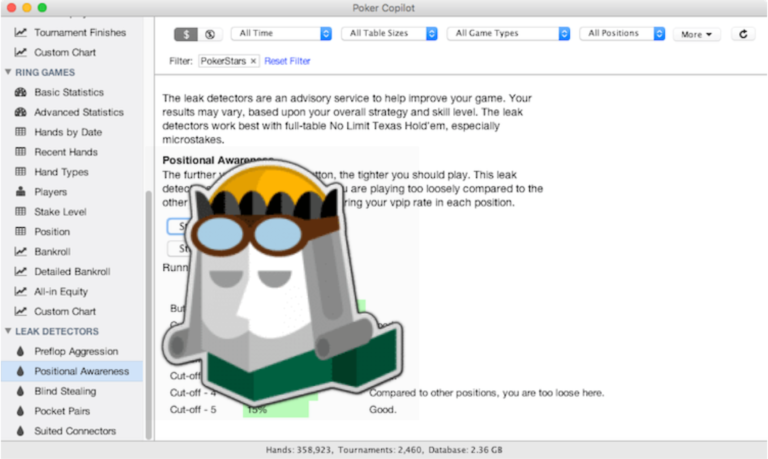
Your own game becomes measurable. The database shows your win rate by position, stake and format, the profitability of individual decisions, and exactly where money is being lost. Working on your mistakes stops being a matter of intuition and becomes a concrete list of what to fix.
Progress becomes visible over time. An accumulated database lets you compare periods: what changed after you fixed a specific leak, whether your win rate holds up when you move to a new stake, which format brings in more.
Opponents stop being anonymous. Notes, color markers and stats on specific players build up from session to session. After a while you sit down at a table already knowing who plays how.
Off-table analysis strengthens your edge. The HUD is only one of a tracker’s functions, and far from the most important one. Even where a site restricts or prohibits on-table stats, the entire analytical side remains fully available: your hand database, reports, filters, review of your own decisions and results tracking. That is why a tracker remains an essential tool for any serious player regardless of a particular room’s rules — the work you do on your game between sessions pays off just as much as the prompts you get during it.
Types of tools
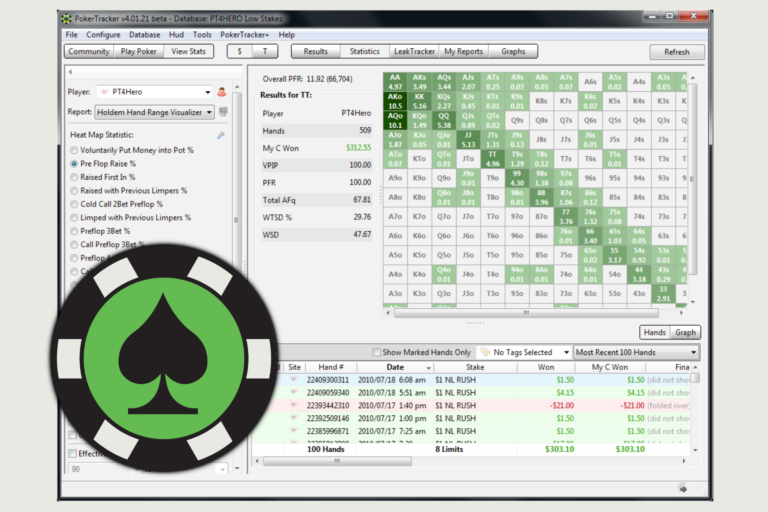
Full trackers with a HUD. The main category: a database, automatic import, statistics on yourself and your opponents, an on-table HUD, plus reports and filters for post-session review. This is the all-in-one option that covers both play and analysis.
Dynamic HUDs. A more advanced form of display: the set of stats changes depending on the street, positions and the actions already taken. Only what is relevant to the current decision stays on the table, instead of a fixed block of numbers.
Site-specific trackers. Some tools are built for particular rooms or mobile apps — cases where standard solutions do not work or support is limited.
Hand history converters. Supporting utilities: some sites do not provide hand histories in a standard format, and a converter translates them into something a tracker can read.
What to look for when choosing
Poker site rules. Sites differ in how they treat third-party software: some allow HUDs fully, some limit which stats can be displayed, and some permit only the room’s own built-in solution. What matters is that these restrictions apply solely to displaying data at the table. Hand import, the database, reports and all off-table review continue to work in full — so a tracker keeps its value even where a HUD cannot be used. Many tools disable the unavailable features automatically in these cases, so you do not break the rules by accident.
Database performance. Import speed and report-building times vary noticeably. If you play a lot of tables or plan to build a large database, this is one of the key parameters: across millions of hands the difference between tools becomes obvious.
Analytical depth. If your main goal is off-table review, look closely at the analysis side: which reports are available, how flexible the filters are, whether there are tools for finding unprofitable decisions, and whether the replayer is convenient for going through individual hands.
HUD customization. Ready-made stat sets exist everywhere, but editing options differ: which stats are available, how they can be grouped, and whether you can build multi-level popups and your own custom statistics.
Game formats. Cash, tournaments, Spin & Go, PLO, short deck — coverage varies between tools. If you play several formats, one tracker that supports all of them is more convenient than a collection of separate tools.
Operating system. Every tool supports Windows; far fewer support macOS, and HUD functionality there is sometimes narrower. If you are on a Mac, this point narrows the field more than any other.
Pricing model. Some tools are sold as a one-time license, others run on a subscription with tiers based on database size and stakes. Almost all of them offer a trial — worth using to judge how the interface feels in a real session.
Where to start
The simplest way to begin is with the basics: install a tracker, point it at the folder where your room saves hand histories, and sit down with the default HUD. A few key stats already make a noticeable difference, and the statistics build up automatically with every hand.
If a HUD is not available on your site, the process is the same — the value simply shifts toward review: set up the import, build your database and work with the reports between sessions.
Customizing things for yourself — your own stat sets, popups, color markers — makes sense later, once you know which data you are missing. That is also the point to move on to reports and filters for systematic review of your own game.
The catalog above brings together all the major trackers and HUDs. Compare them by support for your site, formats, features and price, open the reviews of the ones that interest you, and pick what fits your game.